WhatsApp Integration
Updated 7 days ago
WhatsApp integration requires a Transcript LOL account
1. Getting Started
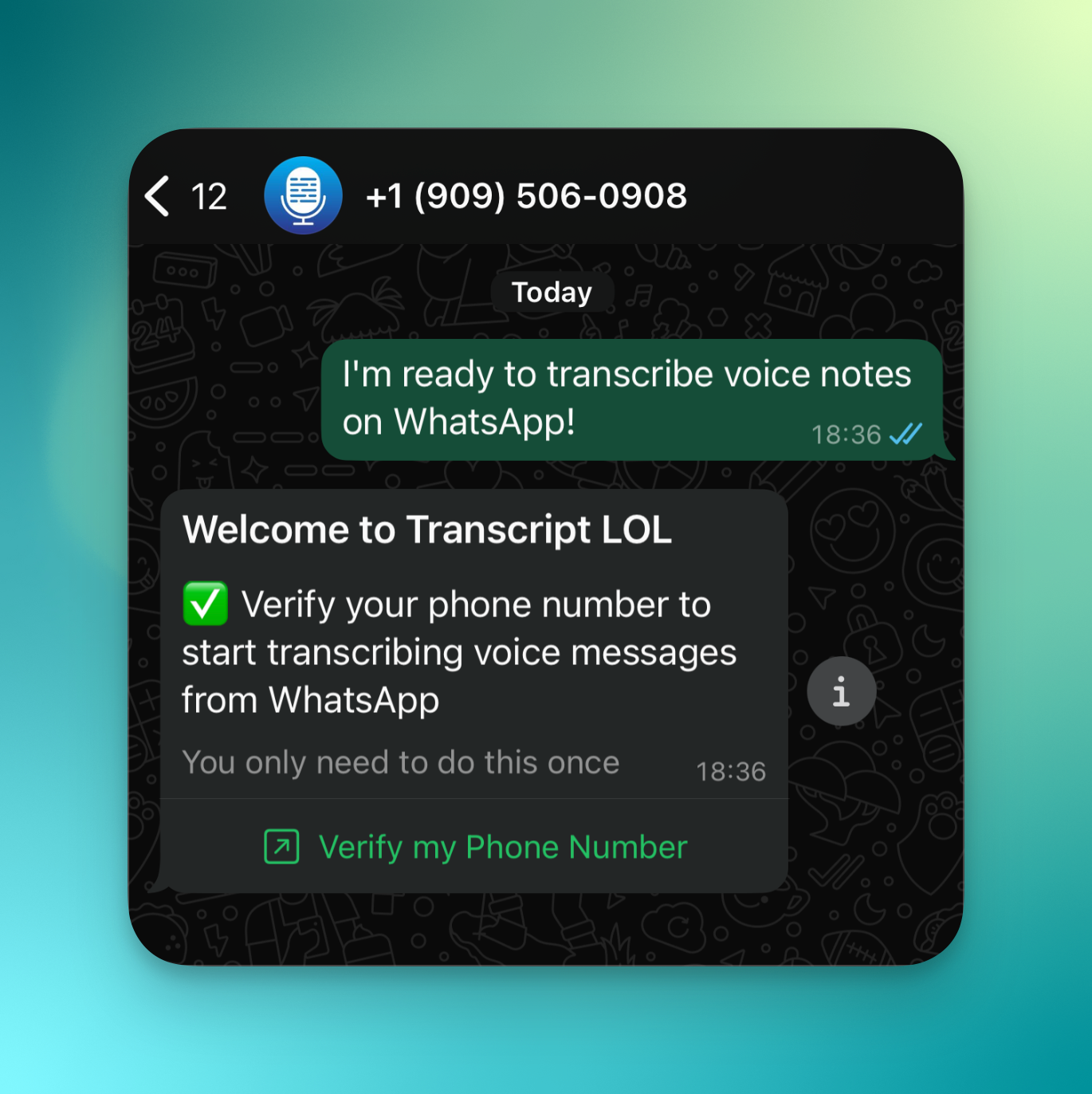
To start using our WhatsApp integration, click on this link and follow the instructions. Alternatively you can also start setup from our Integrations page.
2. Transcribing Voice Notes
You can transcribe by sending voice notes to our official WhatsApp account.
Your transcript will be ready in a few seconds. We will send you the full transcript (if it fits in within WhatsApp message size limit) and a link to the transcription page.
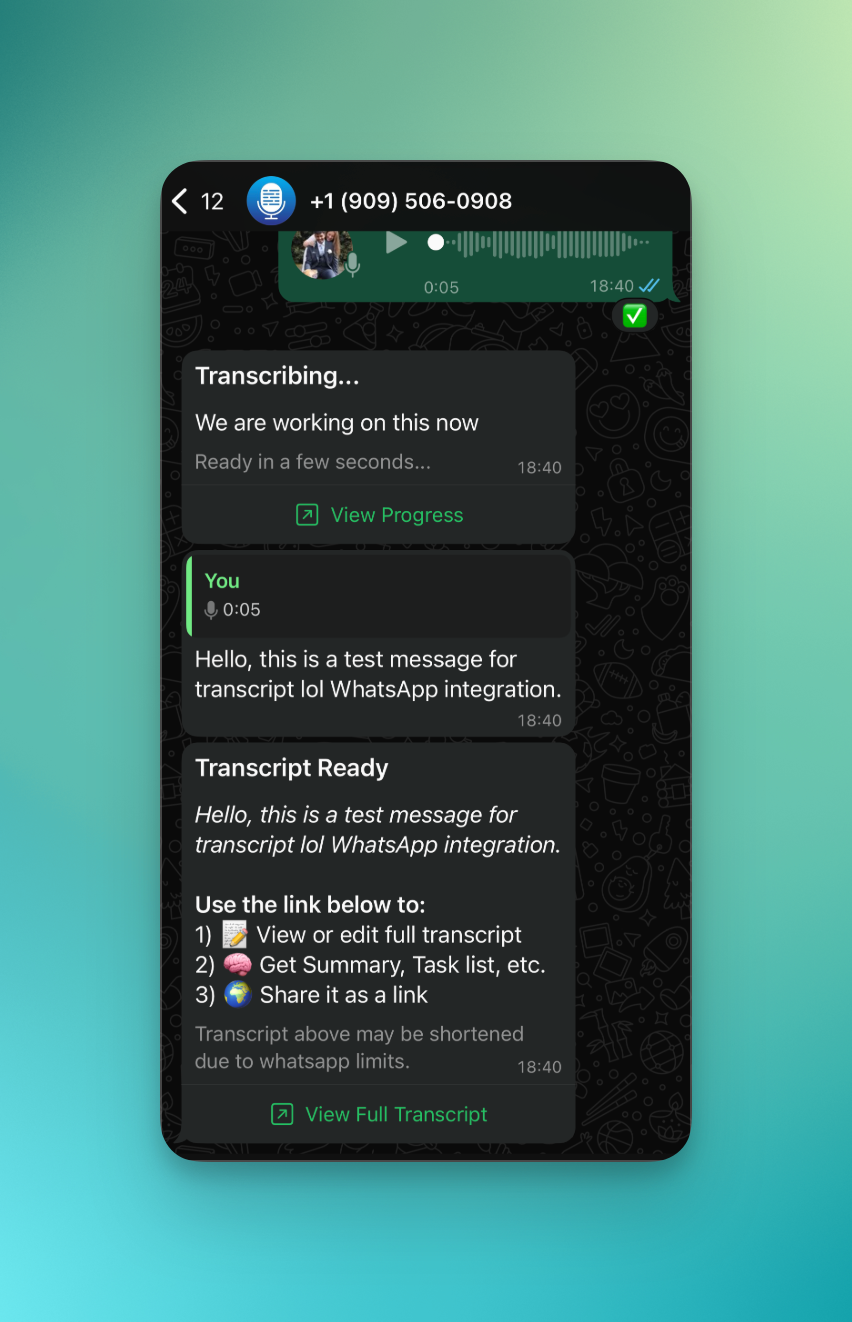
Your WhatsApp transcripts will be saved in your workspace by default. You can change the default workspace anytime from WhatsApp Integration Settings
3. Changing Language
Telegram voice notes will be transcribed in the default language of the workspace they are linked saved in. To change the language or speaker settings, you can do one of the following:
Change the language & speaker settings of the workspace currently selected for WhatsApp
Create a new workspace with desired language and change your WhatsApp workspace
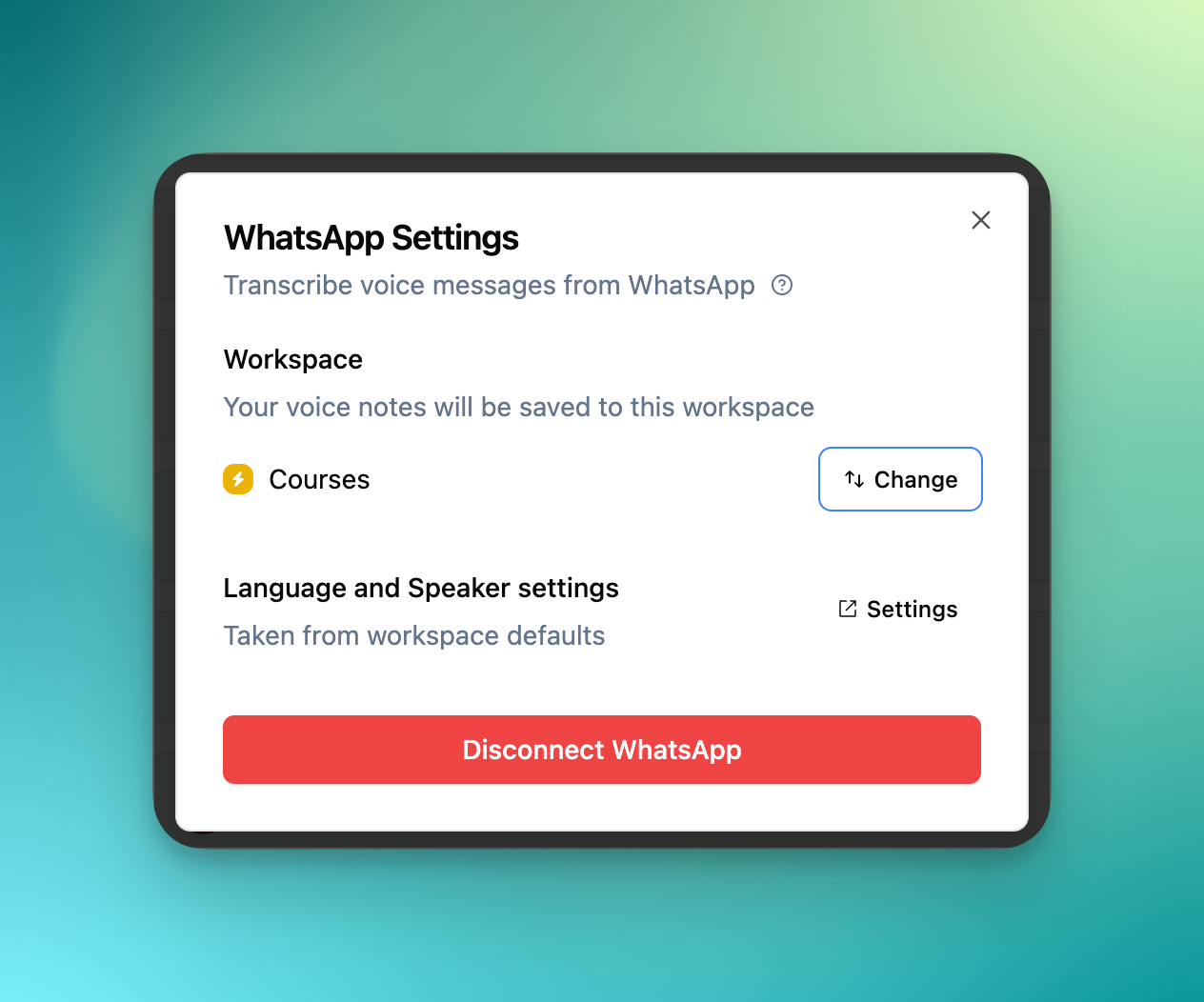
You can do either of these changes from WhatsApp Integration Settings.
4. Limitations
WhatsApp has rate limits on how many we can send to single user per minute — roughly 10 messages per minute (see official docs). Due to this limit, your notifications or transcripts may arrive slower sometimes.