
Transcript LOL
HomePricingAPI Docs
Help Center API Docs Changelog
Transcriptions
Exporting Transcripts Editing Transcripts Creating a Transcript Bulk Transcription File Size and Other Limitations Transcript in Custom Format Daily Free Transcripts
Insights
Automate Insight Generation
Reports
Introduction To Reports
Integrations
Dropbox Integration Chrome Extension Zoom Integration Telegram Integration OneDrive Integration API Integration Box Integration N8N Integration MCP Server Integration Google Drive Integration WhatsApp Integration Zapier Integration
Billing
Unlimited Plan Cancelling Your Subscription How Credits Balances Work Updating Billing Information Accessing your Invoices and Receipts
Mobile App
Getting started with mobile apps Signing In to Mobile App
Miscellaneous
Changing Account Email Deleting Your Account AppSumo Plans Help
Billing

Accessing your Invoices and Receipts

Updated today

You can access the invoices and receipts for all your past payments from the Billing page in your dashboard.

  1. Click Manage billing & invoices.

  2. Click View Invoices. This opens the Stripe customer billing portal.
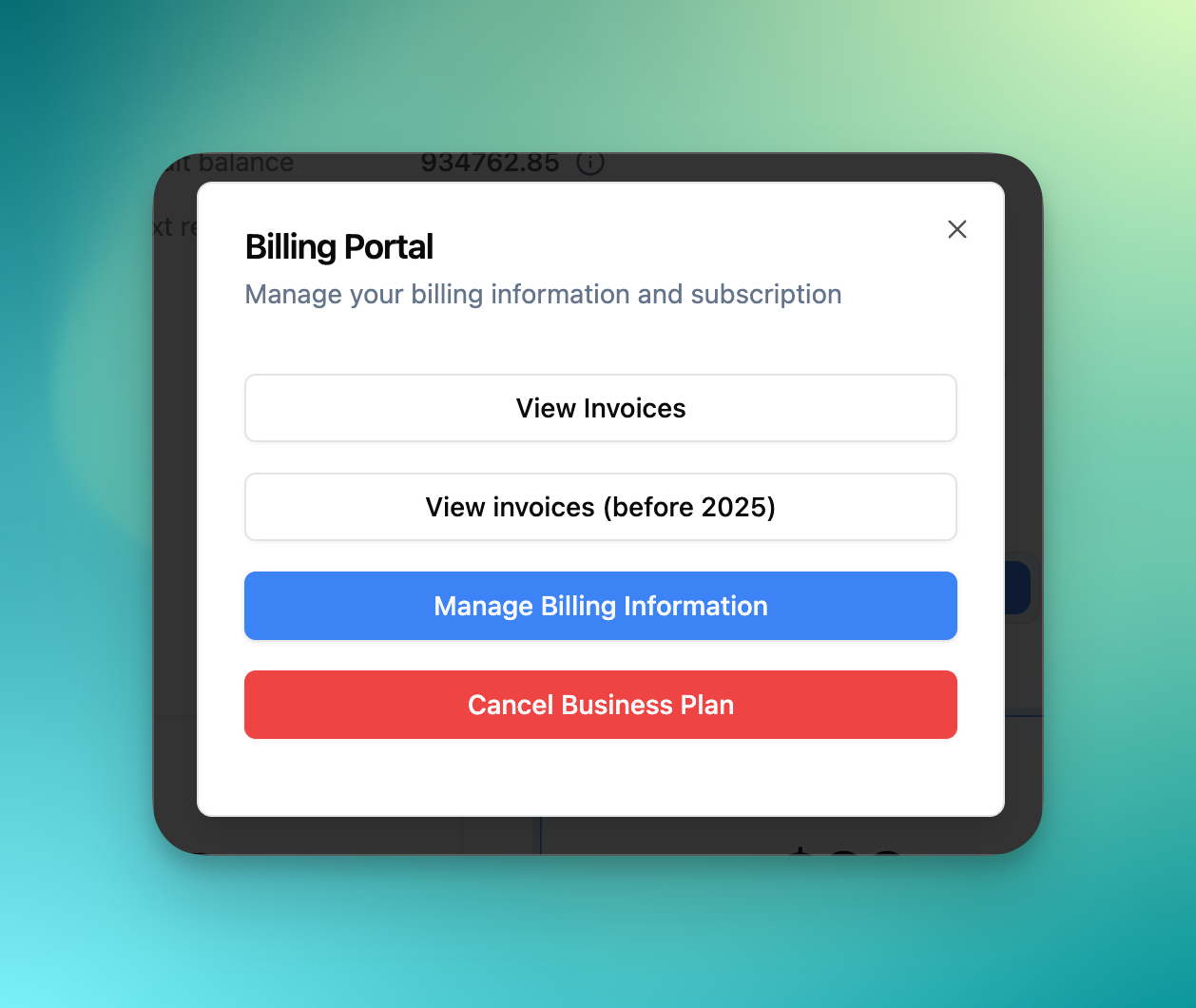
  • Upon clicking “View invoices“, you will be redirected to our Stripe customer billing portal

  • Please use the same email as your Transcript LOL account to login to our Stripe billing portal
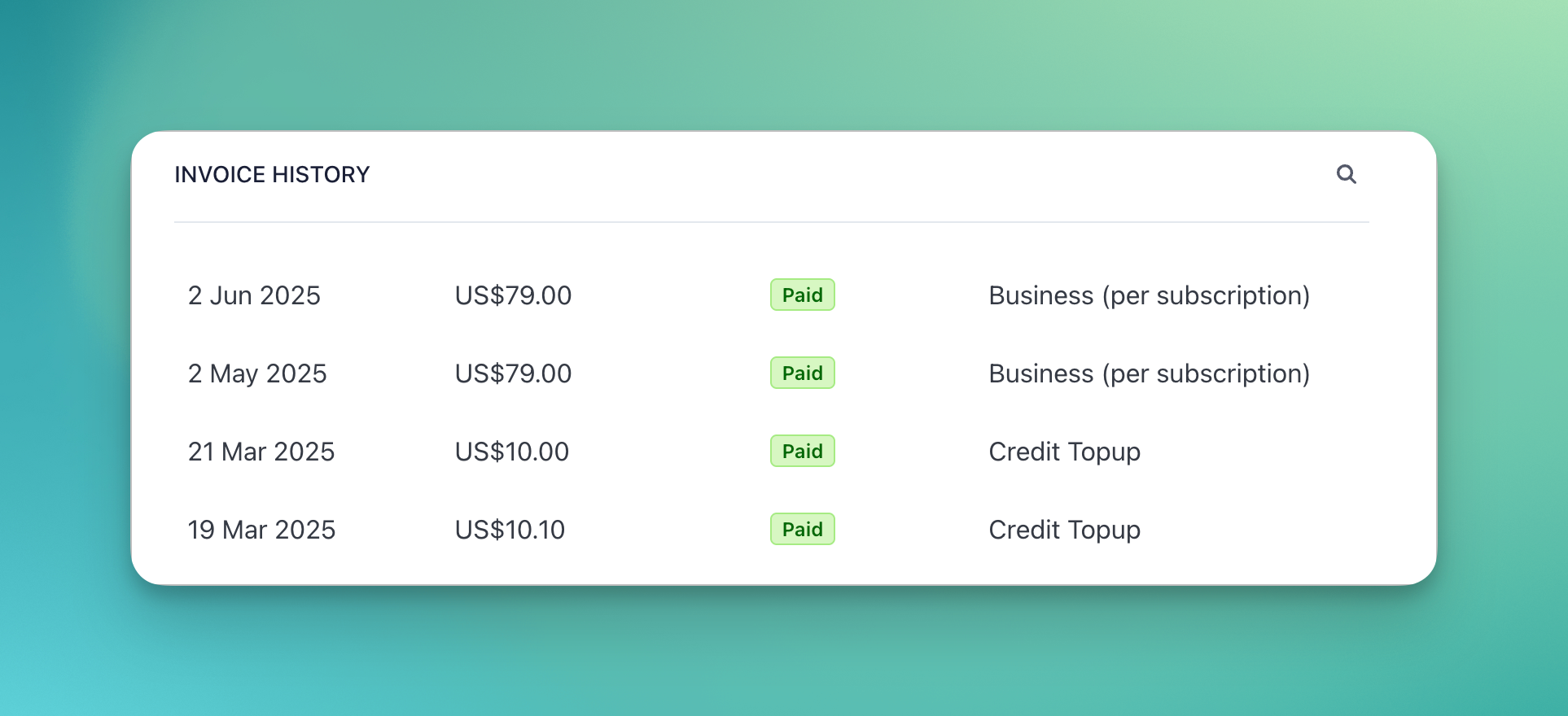
  • You can view all your invoices in the portal

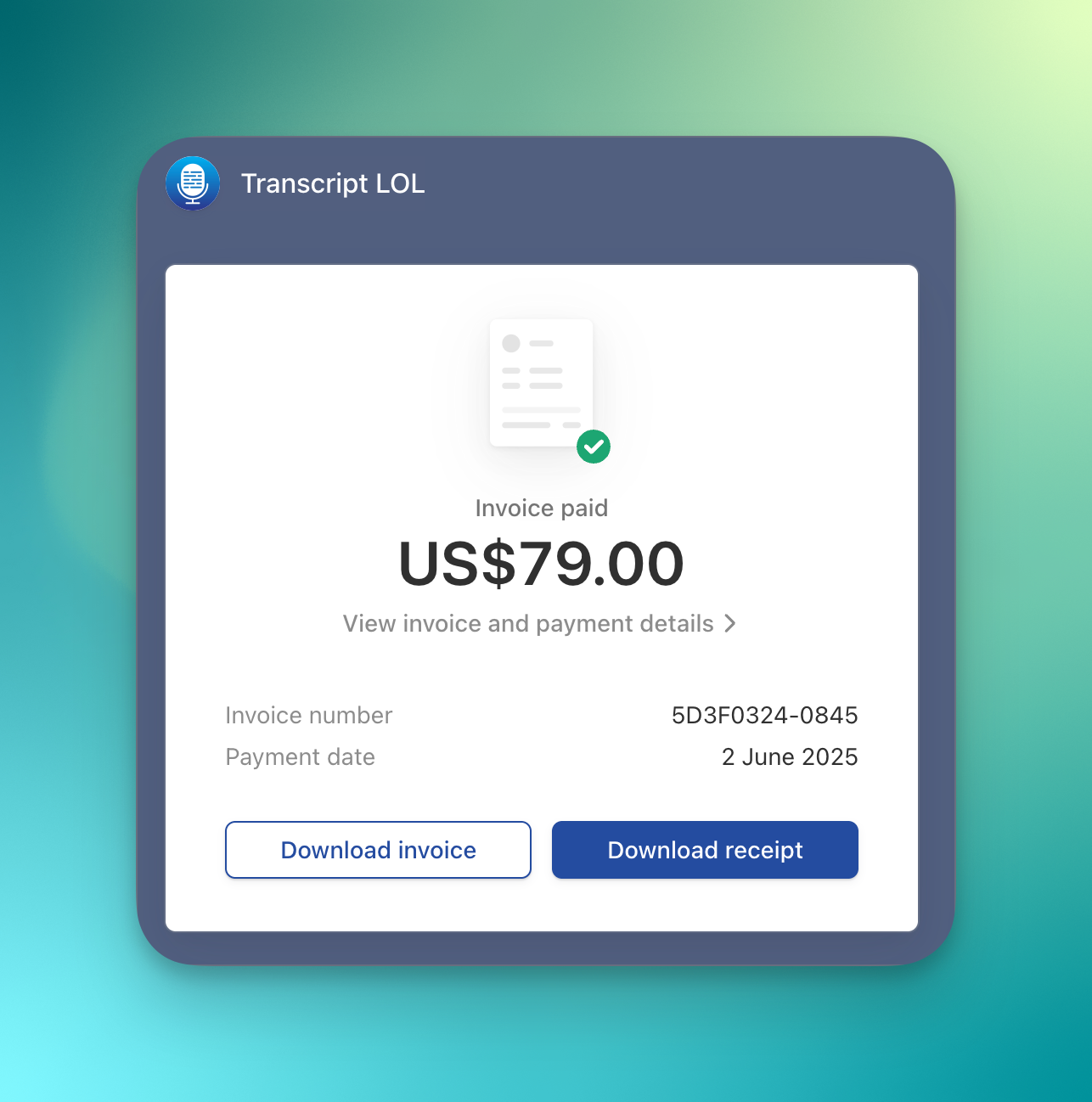
  • Click on the items to see download options as shown below
Was this helpful?
Was this helpful?