
Signing In to Mobile App
Updated last week
How to Login In
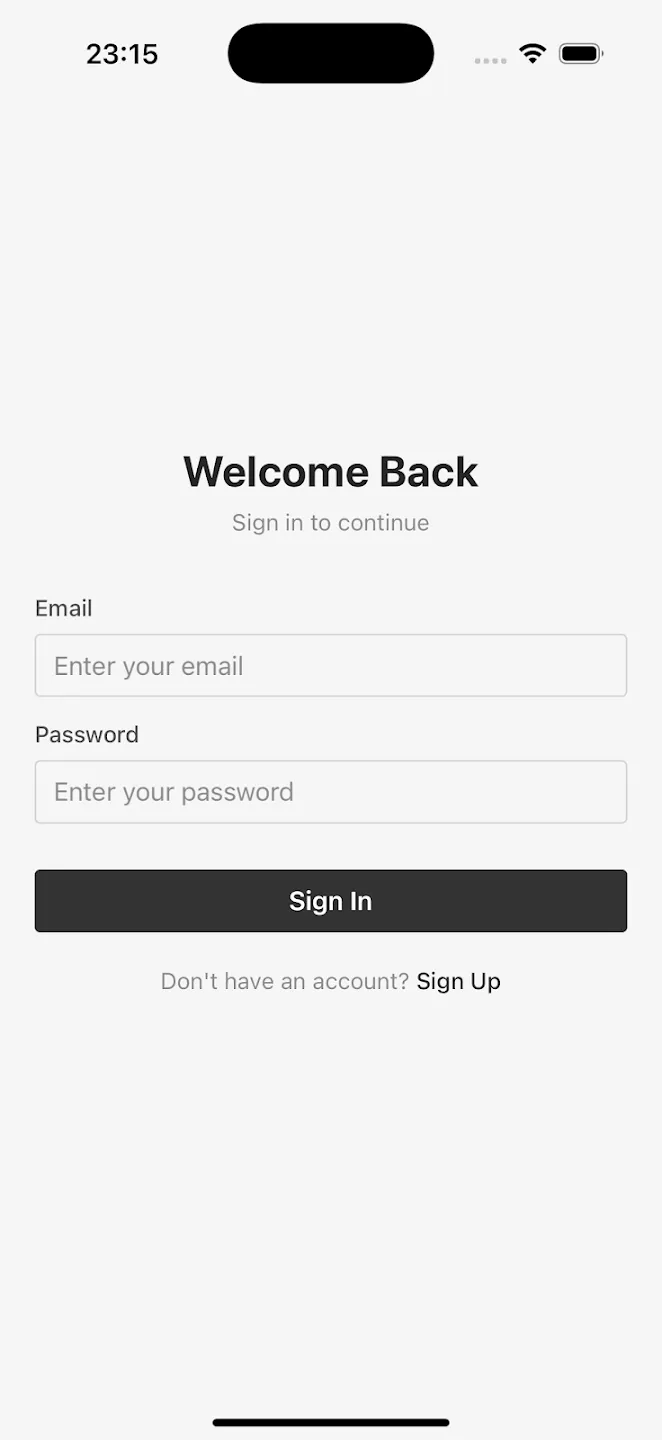
The mobile apps currently support email and password authentication for signing in or signing up to a new account.
Google Sign In
The mobile apps do NOT support sign in with Google at the moment. If you signed up using Google Sign In, do the following to sign in to the mobile app.
Set a password for your account from the account settings on the web app first
Now you can sign using your email and password on the mobile app.
Your “Google Sign“ will still continue to work on the web app.
This limitation is because Apple requires us to offer “Sign in with Apple“ if we enable “Sign in with Google“.
We may add both options at a later point.
Was this helpful?
Was this helpful?