
Share to Transcript LOL — transcribe any URL in one tap
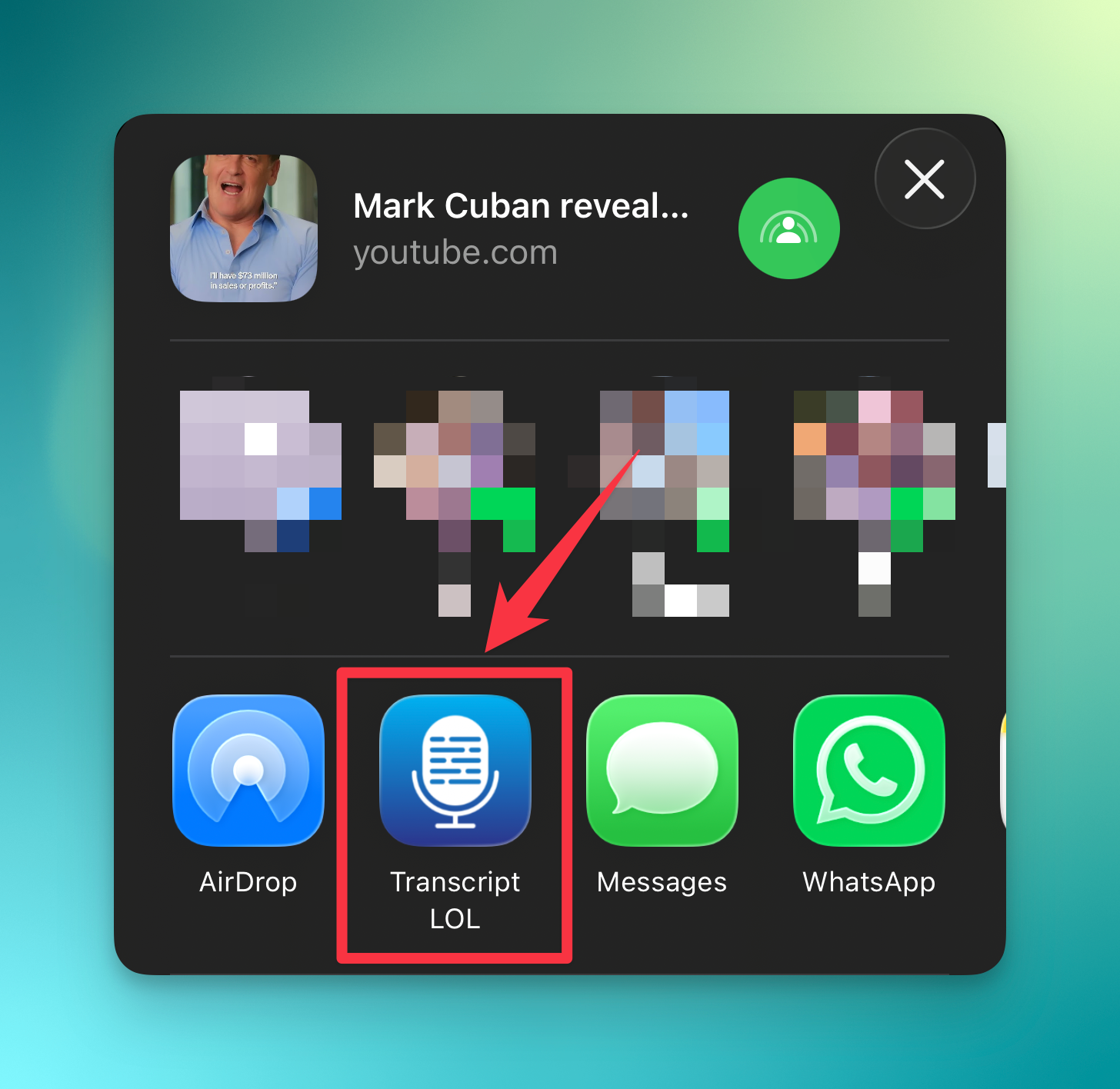
We just shipped one of those small features that quietly changes how you use the app: Transcript LOL now appears in your iOS or Android share sheet.
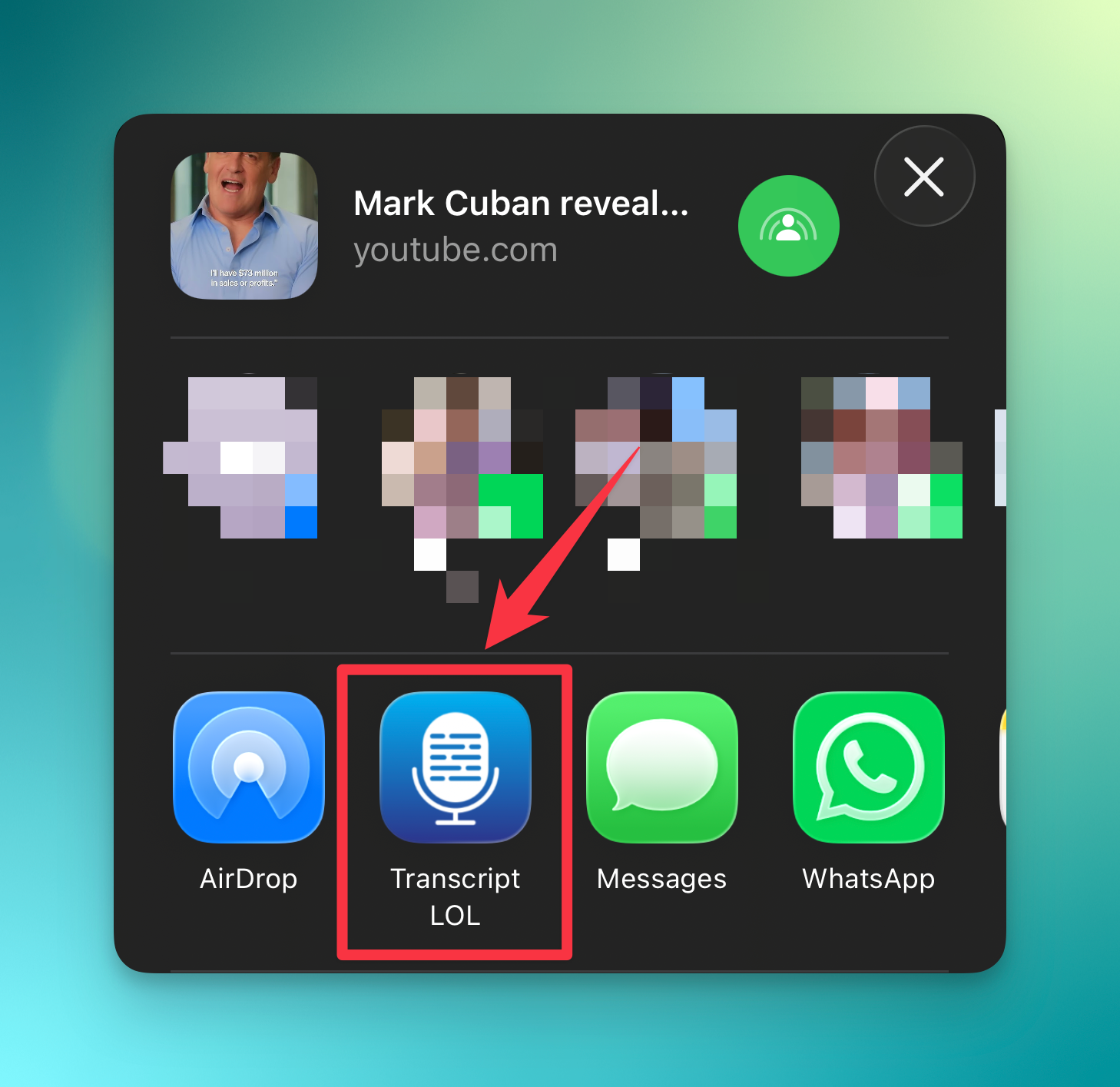
Found a YouTube video, Instagram reel, TikTok, podcast episode, or any other link worth transcribing? You no longer need to copy the URL, switch apps, and paste it in.
Just tap Share → Transcript LOL, and we'll kick off the transcription instantly. The job runs in the background and shows up in your library when it's ready — ready to search, export, or drop into your workflow.
Where it works
YouTube — videos, shorts, live replays
Instagram — reels and video posts
TikTok, X, Vimeo, SoundCloud and every other source we already support
Any direct audio or video URL
If we can transcribe it in the web app, you can now send it straight from wherever you found it.
Download Apps here:
How to use it
Update to the latest version of the Transcript LOL iOS app
Tap the share icon on any link (Safari, YouTube, Instagram, Messages — anywhere)
Pick Transcript LOL
Done — we'll handle the rest
A few other changes that also made into this update:
Features
Handle insufficient balance error during transcription retry
Option to retry transcription for file uploads as well
Improvements
Improved reliability of our YouTube and other free downloader tools
Better api error messages for invalid inputs