Now in Claude and ChatGPT
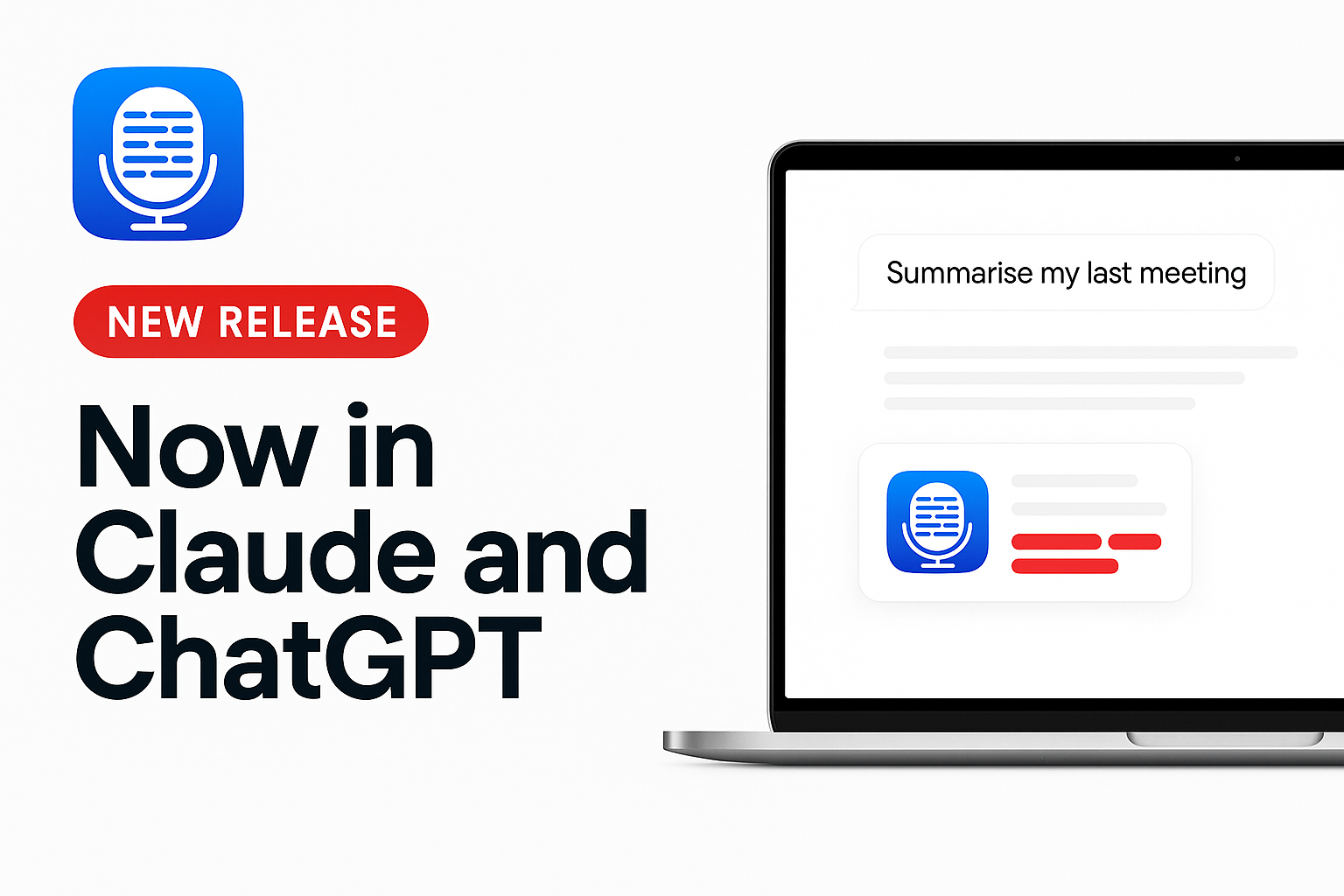
The short version: Transcript LOL is now an official plugin in both Claude and ChatGPT, recordings drowned in background noise have a fix, the mobile apps got a round of fixes, and we've started decluttering the app. Here's what's new.
Now in Claude and ChatGPT 🎉
Transcript LOL is now listed in the official Claude directory and the ChatGPT plugin directory. No more copying server URLs into settings — find us, click connect, sign in, and your assistant can work with every recording you have.
Claude (claude.ai and Claude Desktop): add Transcript LOL from the Claude directory
ChatGPT: add Transcript LOL from the ChatGPT plugin directory
Once connected, just ask in plain language:
"What did we agree on in Monday's client call?"
"Find every time pricing came up in my interviews this month."
"Read this morning's meeting, work out who's speaking, and label the speakers."
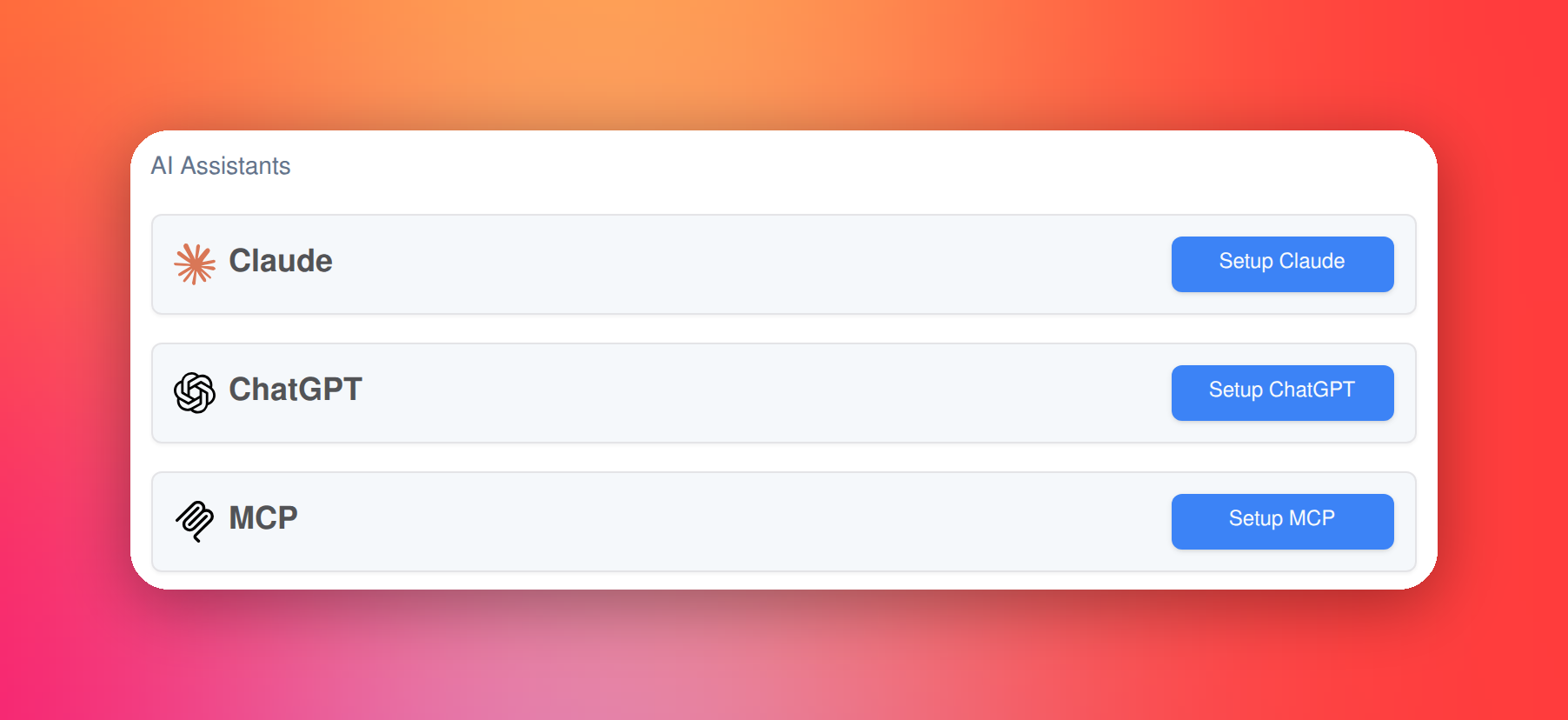
You'll find both under Integrations → AI Assistants in your account too, alongside MCP for any other client like Claude Code.
Remove background noise 🎧
You've asked for this one a lot. When you upload a file or import a link, there's now a Remove background noise option under More options. Tick it and we filter out background music and noise before transcribing — handy for a recording made next to a loud café espresso machine, or a talk with music playing underneath.
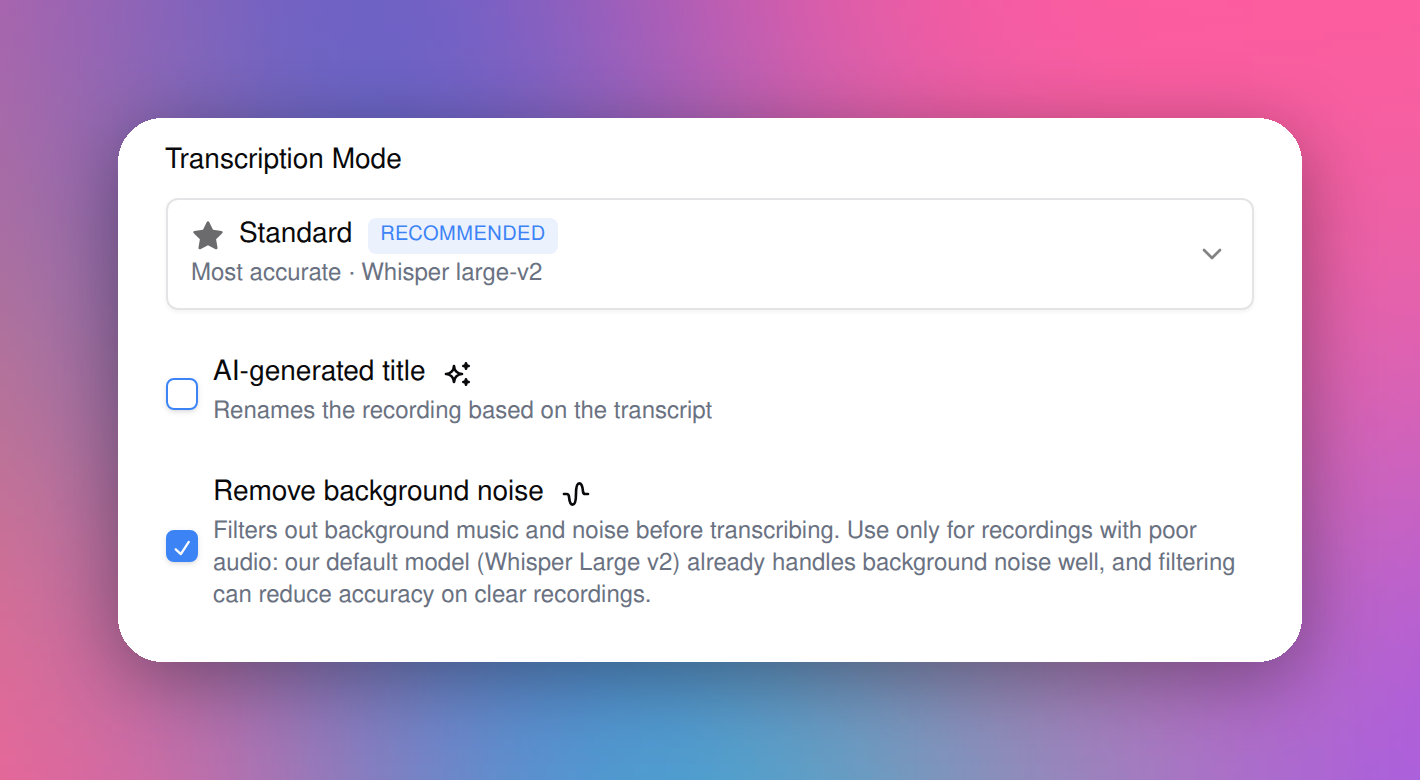
One honest caveat: our default model already handles background noise really well, and filtering can slightly lower accuracy on clear recordings. So treat it as a last resort for genuinely rough audio, not something to switch on for everything. Nothing about your original file changes — we only filter a copy on the way to transcription.
Fixes in the mobile apps 📱
Two-factor sign-in works. If your account uses an authenticator app, you can now sign in to the mobile app — it asks for your code, just like the web app.
No more hidden buttons on Android. On some Android phones the system navigation bar covered buttons and pickers at the bottom of the screen. Everything now sits above it.
A tidier, easier app
We're on a mission to declutter the app, and this release is the first step.
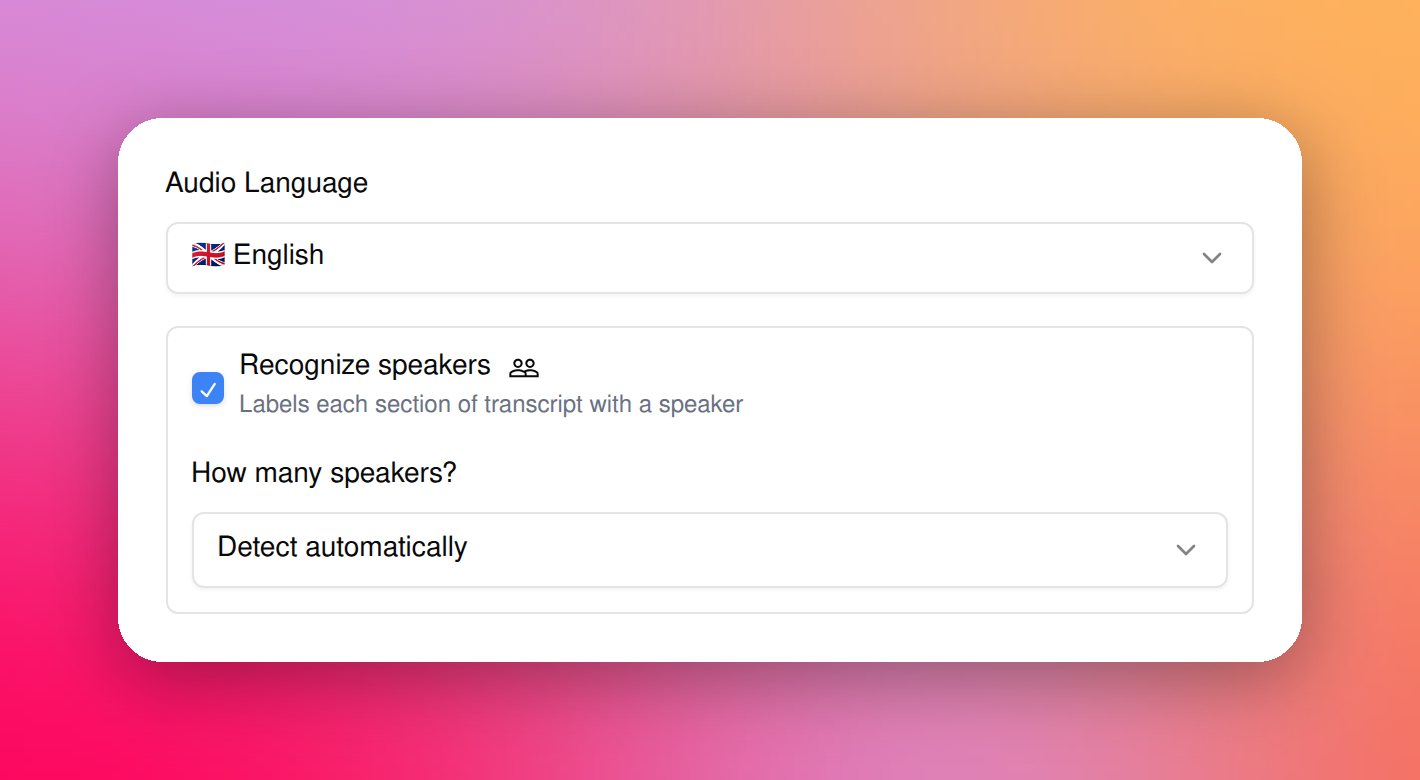
Speaker detection is easier to find. Lots of you were missing it because it was tucked away under More options. Recognize speakers now sits right in the upload panel, and the speaker count picker appears as soon as you tick it.
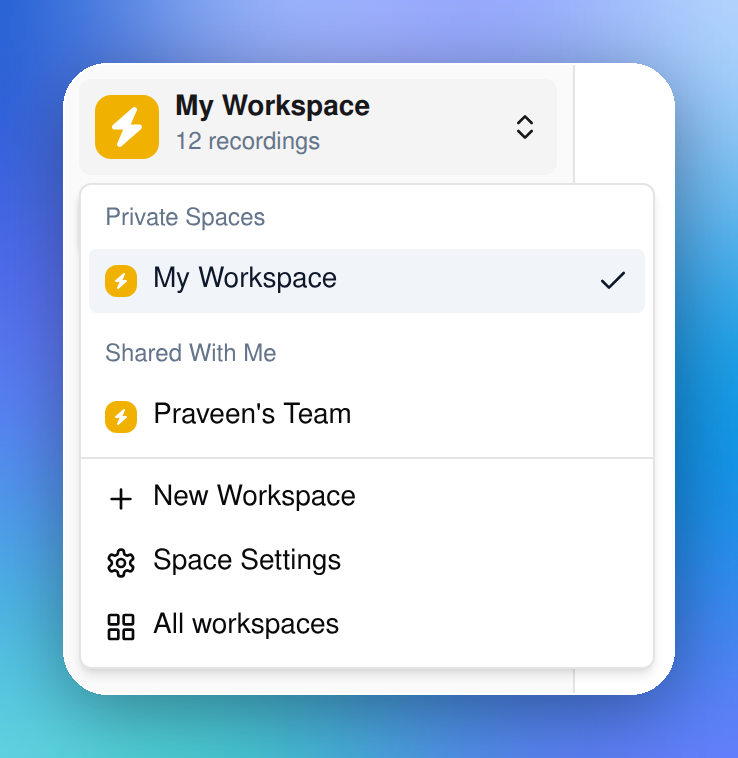
A cleaner sidebar. It now focuses on the workspace you're in: a workspace switcher at the top (switch spaces, open space settings or create a new one), a New transcript button, and just that space's pages. Account links moved into the avatar menu at the bottom. More cleanup is on the way.
Smaller improvements
⌘K (Ctrl+K on Windows) opens search from anywhere in a workspace; the keyboard shortcuts list moved to ⌘/ (Ctrl+/)
New Help & support in the sidebar opens our help center in a panel — search guides, ask the AI assistant, or contact us without leaving the app
A Get the apps menu lists the Chrome extension, desktop and mobile apps, with QR codes for your phone
Account settings now have Email preferences — one switch for transcript notifications, one for product updates — and settings save as you go
Claude and ChatGPT can now tell which Transcript LOL actions only read your data and which change it
That's the lot. Tell me what you want us to improve next.
Praveen