Mobile Apps, Improved Speaker Detection & New AI Models
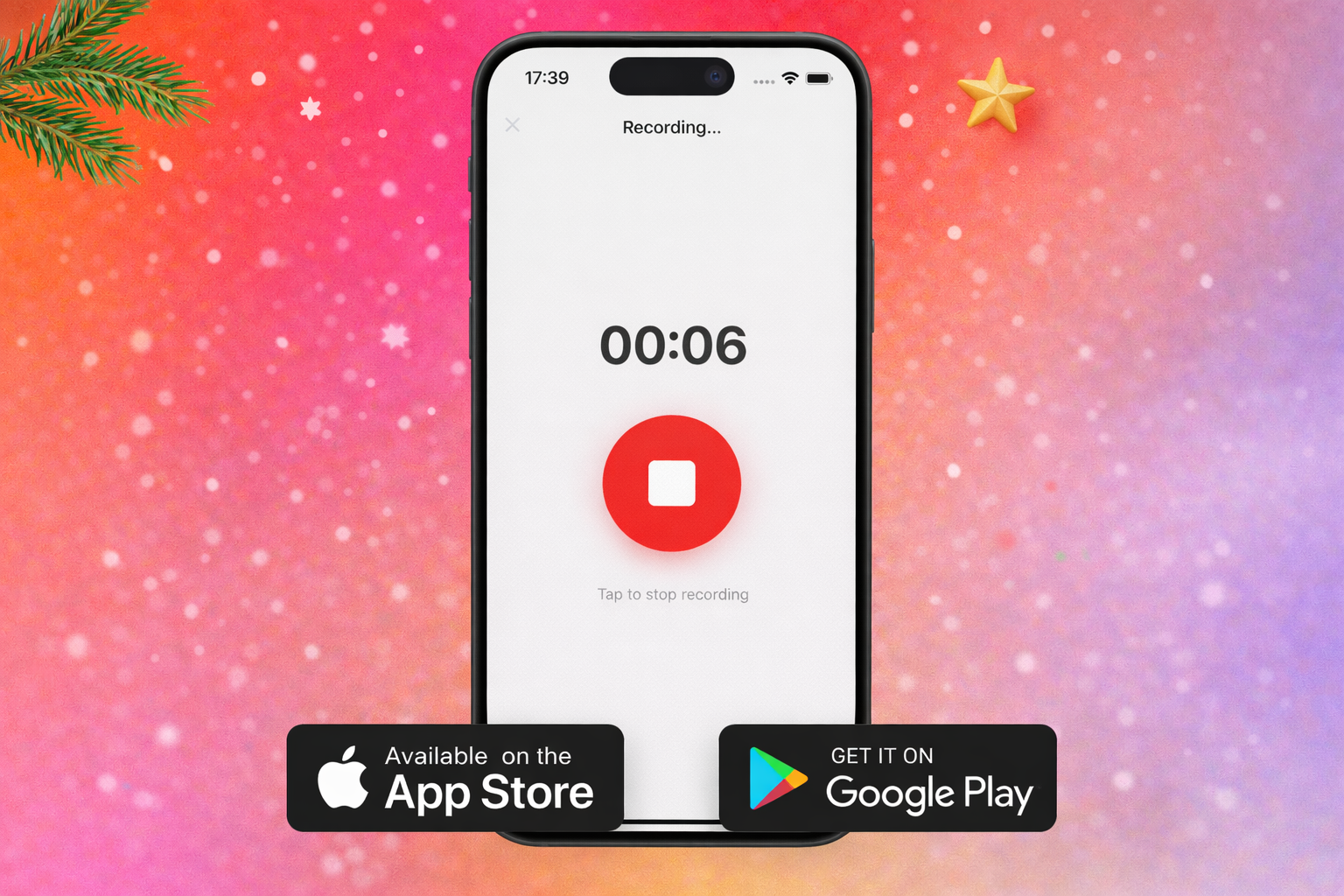
First off—Merry Christmas and Happy New Year! 🎄 I hope you're enjoying the holiday season with family and friends. Thank you for being part of the Transcript LOL journey this year. Your feedback, feature requests, and support have shaped everything I've built, and I'm excited for what's coming in 2026!
Now, onto the updates—because the holiday season hasn't slowed things down. If anything, it's been one of the biggest months yet. The most requested feature is finally here, along with major improvements to speaker detection and plenty more.
Mobile Apps Are Here
After months of requests, Transcript LOL now has native mobile apps for iOS and Android. This was the #1 most requested feature on the feature board, and I'm thrilled to finally ship it.
Record directly from your phone, browse your transcript library, and view recordings on the go. The apps include all 62 supported languages, dedicated recording screens with transcription options, and full speaker detection settings.
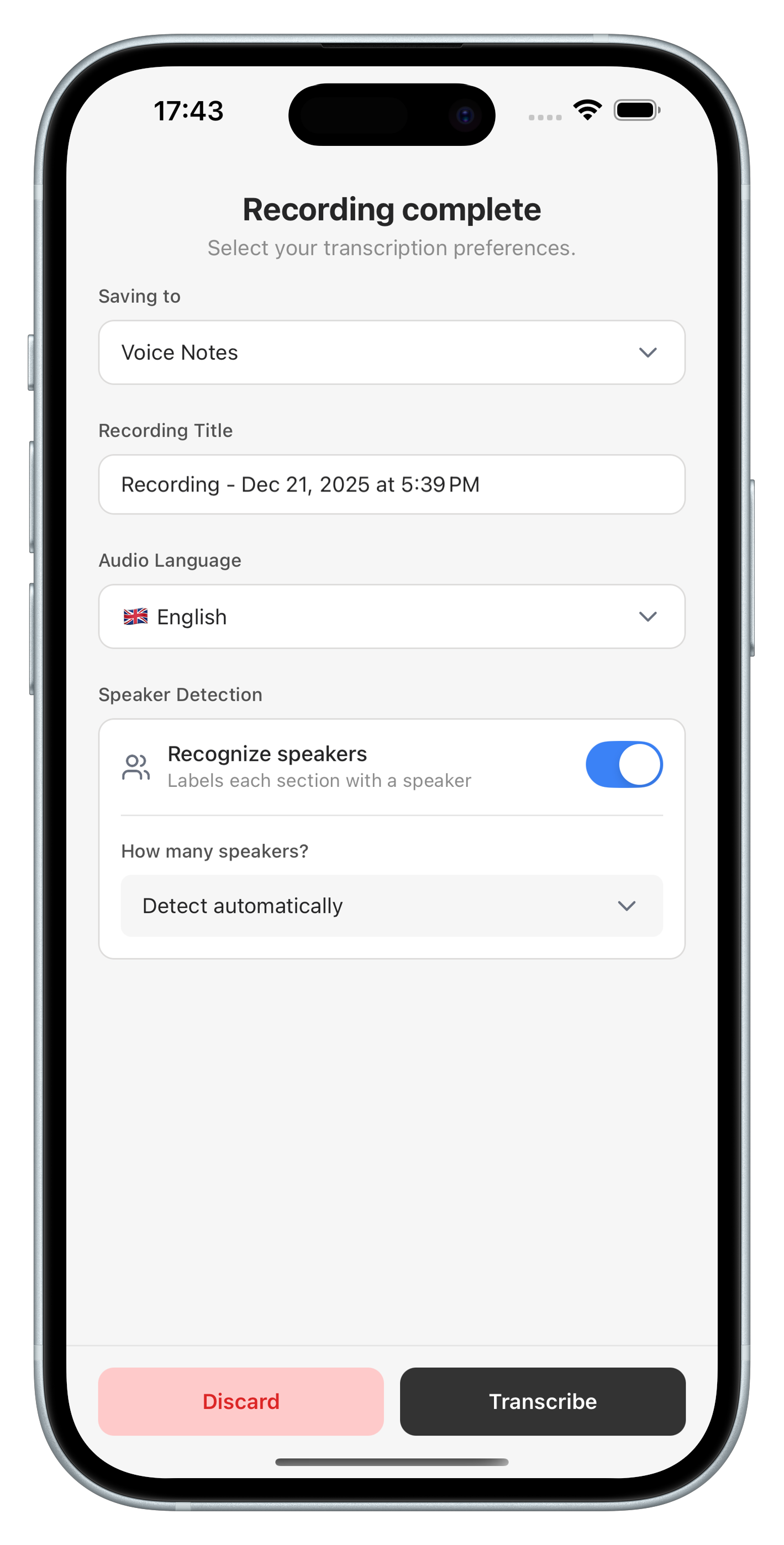
This is the first release, so I'd love your feedback on what to improve next. There's plenty more planned, but your input will shape what gets prioritised.
Significantly Improved Speaker Detection
The second most requested improvement was better speaker detection—and I've made major progress here.
You should already notice a difference if you've transcribed anything in the last couple of days. Transcript LOL is now on par with state-of-the-art speaker diarization, matching or beating every other transcription app I've tested.
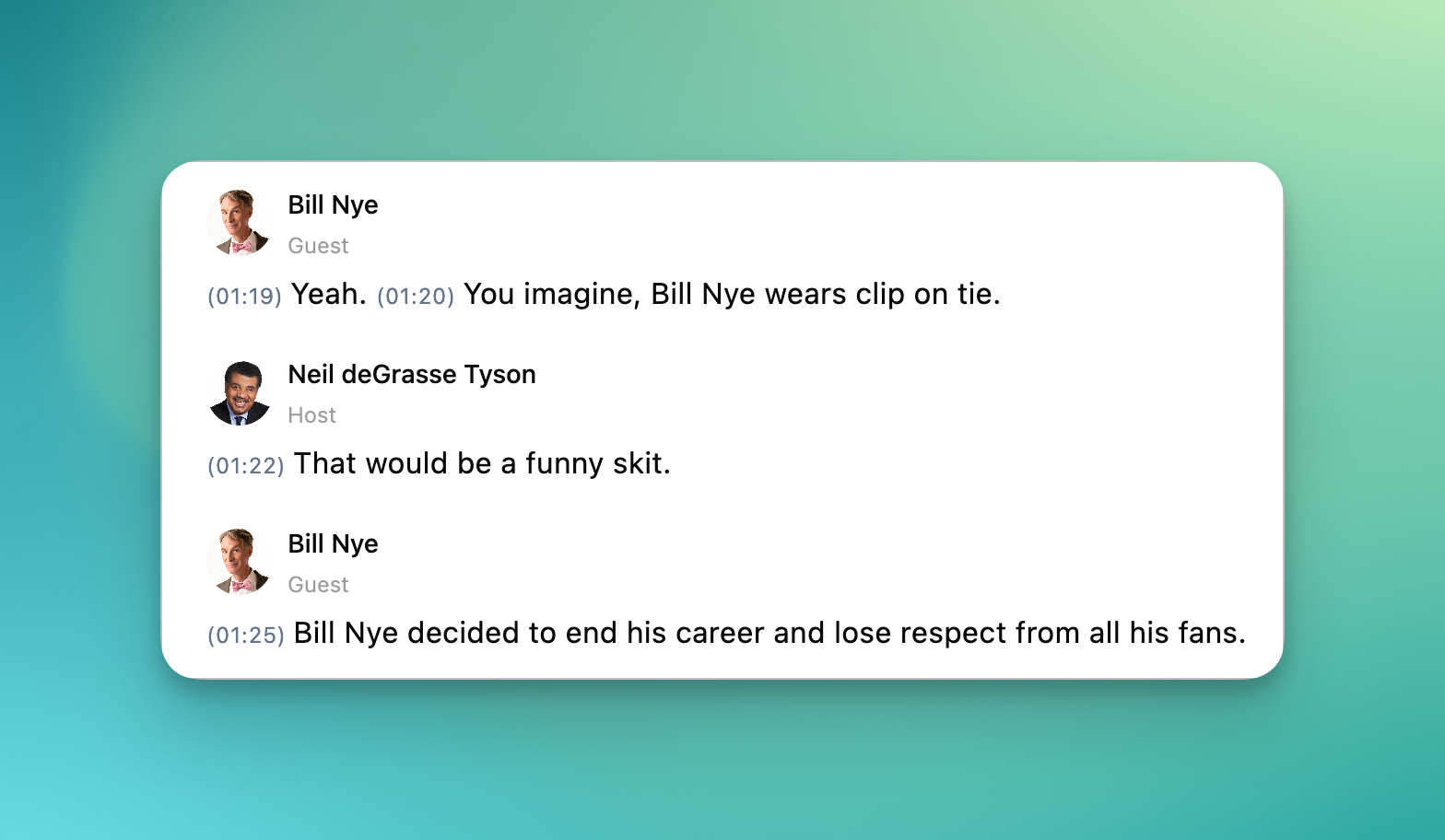
Combined with transcription accuracy and pricing, Transcript LOL annual plan is looking like a steal! There's still room for improvement and I'm continuing to work on it, but the gap has closed dramatically.
Transcript Search
A new Find widget helps you search within transcripts faster and more intuitively than the default browser find feature. Hit CMD+F (or CTRL+F on Windows) to open it.
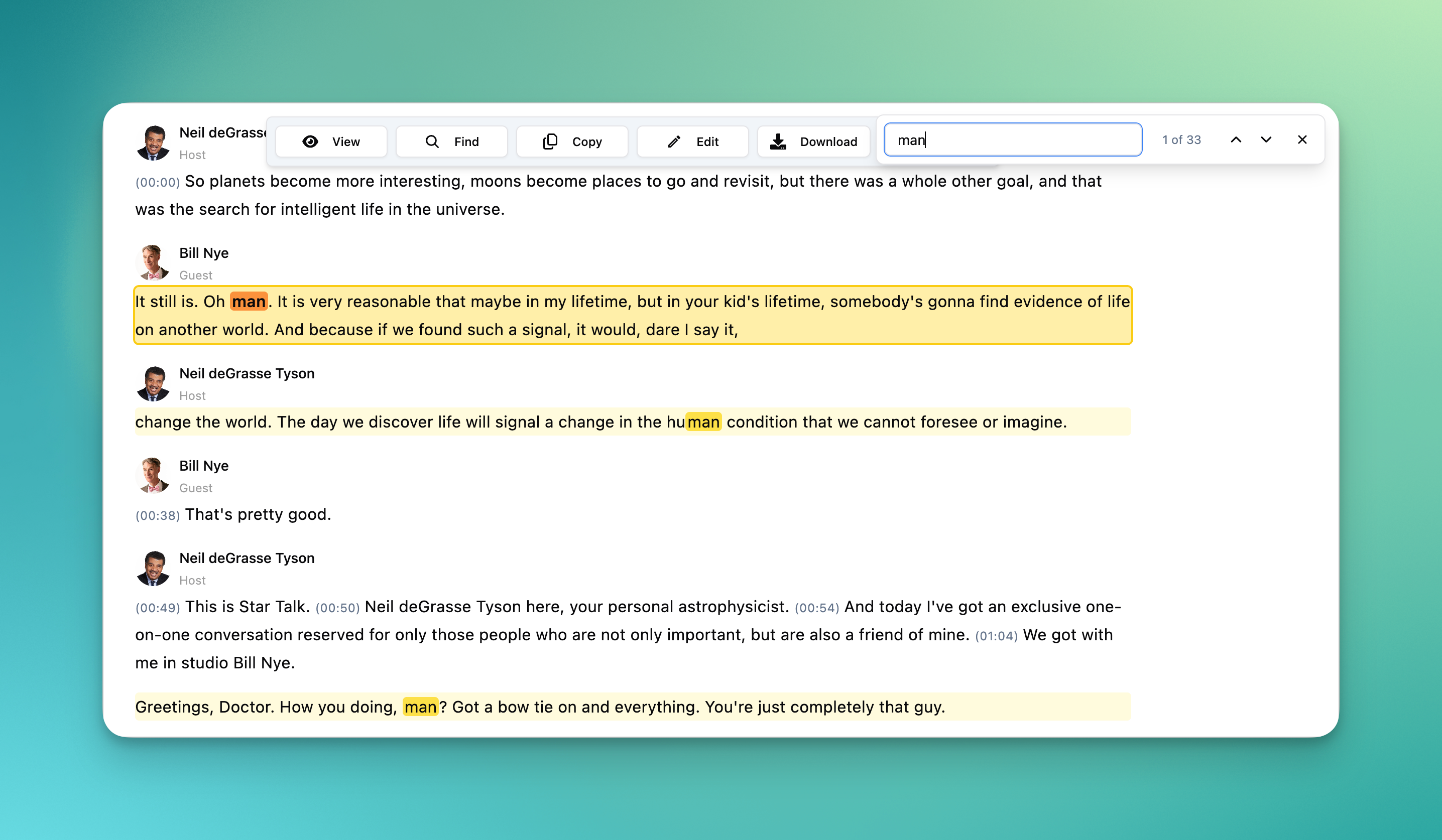
The search highlights matches throughout your transcript and lets you jump between them quickly—much smoother than wrestling with your browser's built-in search.
RSS Feed Integration
You can now add RSS feed URLs in your integrations to auto-import new podcast episodes as they're published. Perfect for podcasters who want every episode transcribed automatically, or researchers tracking specific shows.
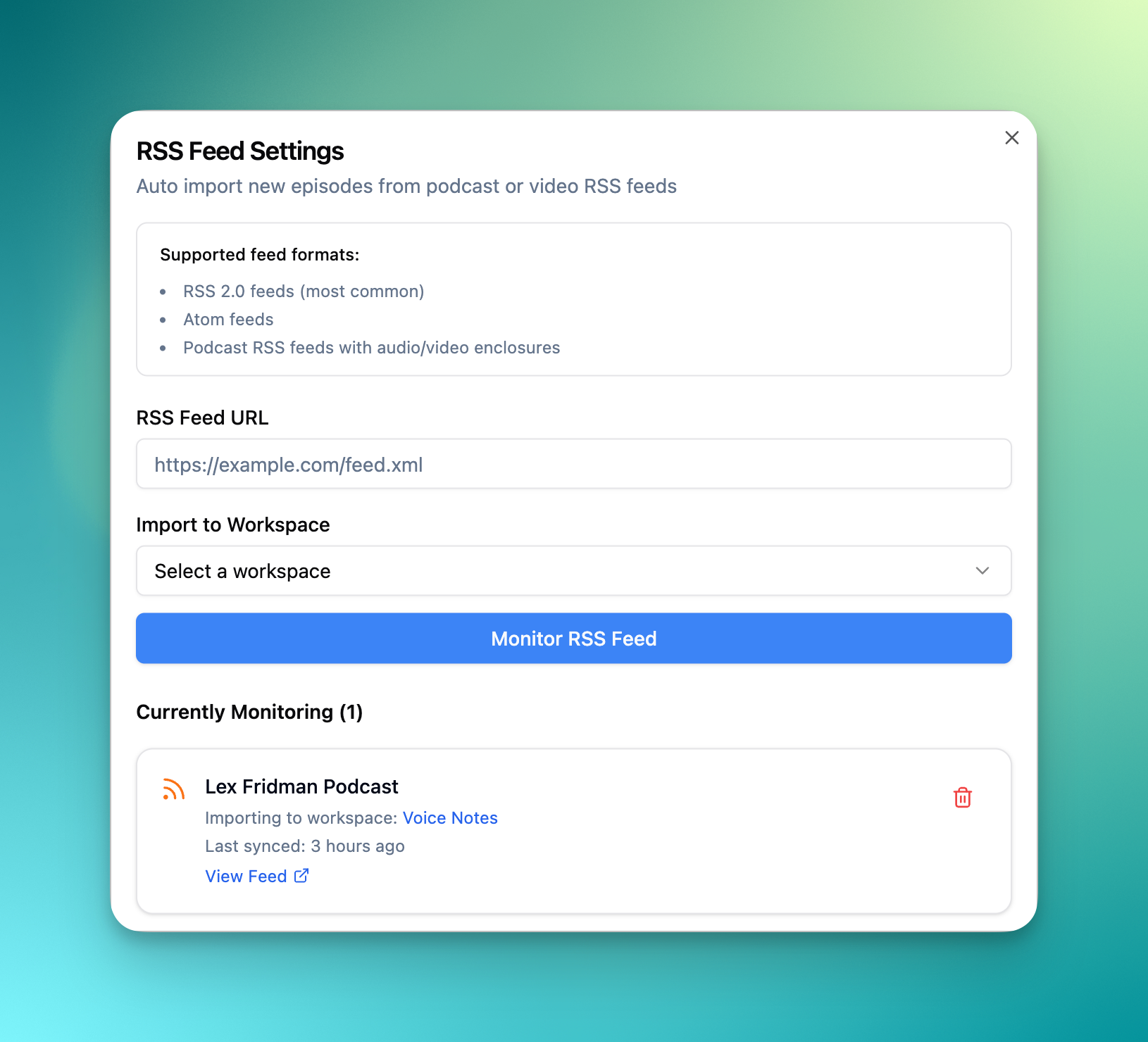
Pair this with YouTube auto-imports and you've got a fully automated transcription pipeline for all your content sources.
New AI Models
I've added support for the latest models:
Gemini 3.0 models
Grok 4 models
GPT-5 models
Claude 4.5 models
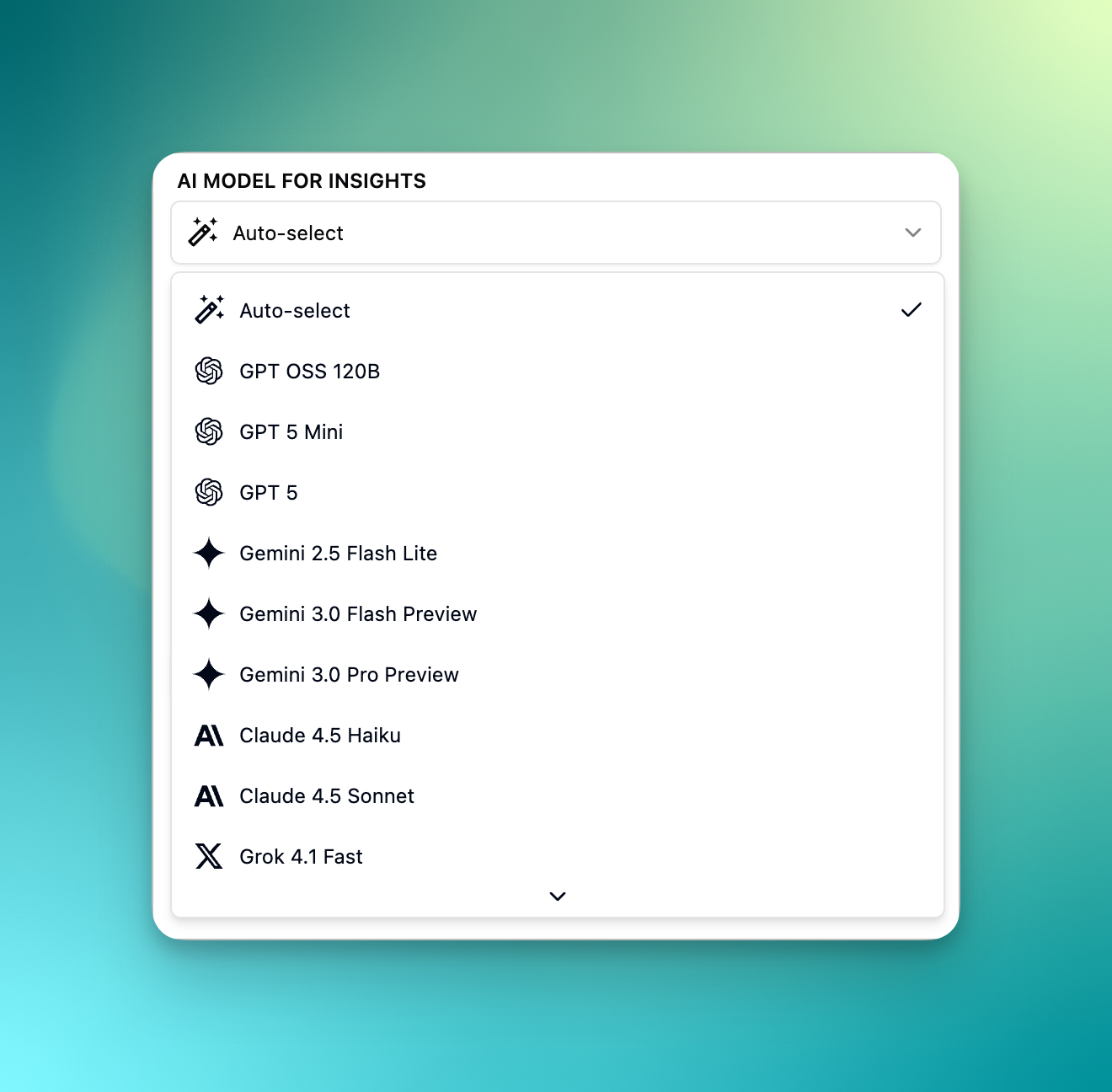
There's also a new “auto-select” option that picks the best available model and automatically falls back if one fails—reducing errors and keeping your ai responses running smoothly.
Many Other Improvements
Notes are now Reports I've renamed "Notes" to "Reports" to better reflect what they do—transforming your recordings into structured documents. Same powerful feature, clearer name.
Quality of life
Copy insight button now preserves rich text formatting
More media playback speed options
Segment timestamps shown by default
Sticky toolbar in the report template editor
Option to retry recordings that failed due to insufficient balance
Bug fixes
Fixed issues with certain reports rendering as empty
Fixed title flickering on the recordings list
Fixed partial YouTube download issues
Resolved login errors from a recent update
Various mobile view styling fixes
That's everything for December. The mobile apps are a big milestone, and I'm keen to hear what you think. Drop feedback in the app, on the feature board, or reach out directly—I read every message.
Here's to a fantastic 2025! 🥂